
How to Check if Your Phone is Hacked (10 Signs)

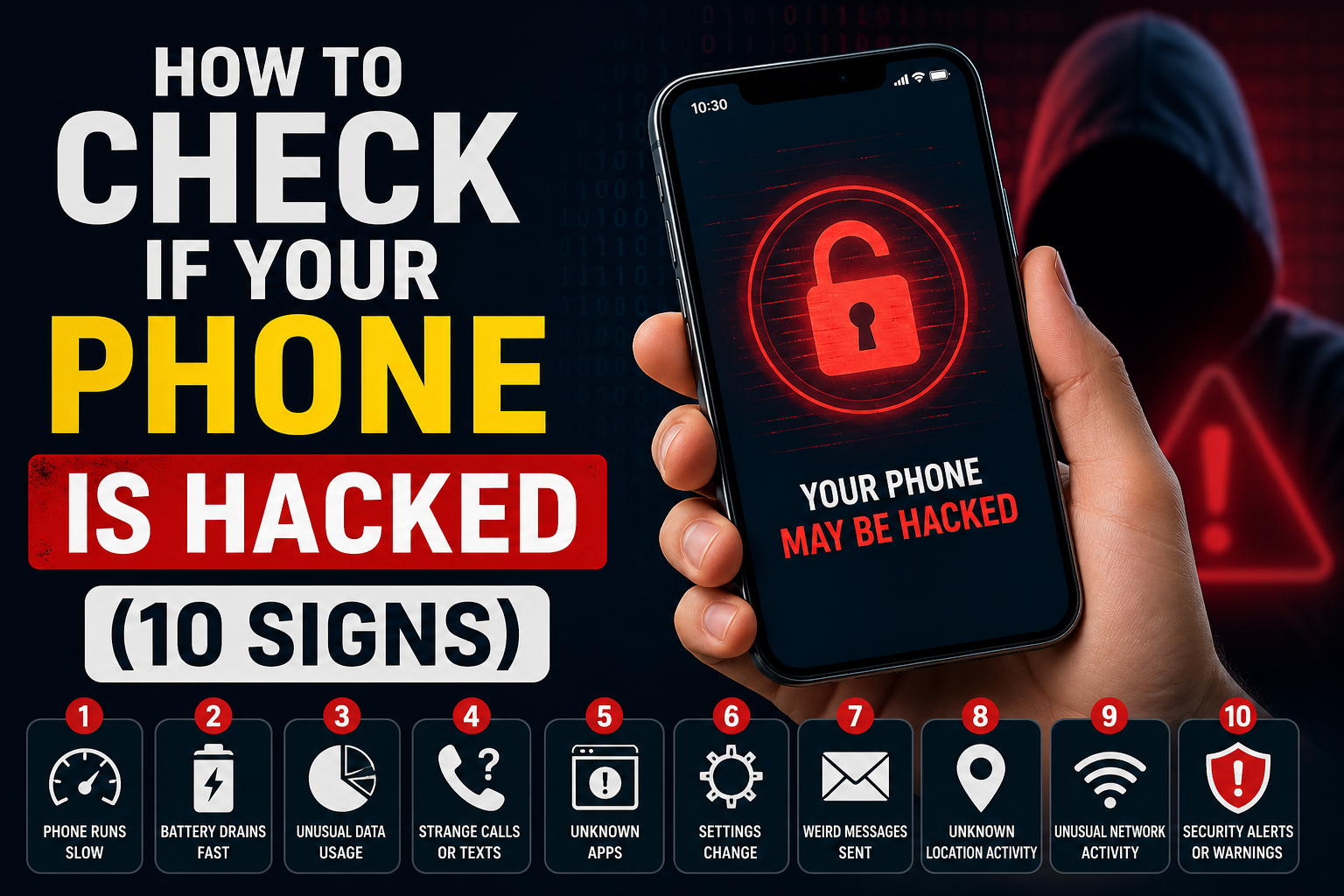
How to Check if Your Phone is Hacked (10 Signs)
Quick Summary (2-3 lines)
Phone hacking is a serious risk in today’s digital world. This guide helps you identify the warning signs of a compromised device and shows you how to secure it quickly and effectively.
- What you’ll learn in this guide
- Why it’s useful
- Time to read: 5 minutes
Table of Contents
- Signs Your Phone is Hacked
- What to Do If Your Phone is Compromised
- How to Prevent Phone Hacking
- FAQ
- Conclusion
Signs Your Phone is Hacked
If your smartphone starts behaving unusually, it could be a warning sign. Here are the most common indicators:
- Strange messages sent without your knowledge
- Sudden slowdown in performance
- Unknown apps installed automatically
- Apps crashing or not working properly
- Device overheating without heavy usage
- Unusual spike in mobile data usage
- Loss of access to files or apps
- Storage filling up unexpectedly
- Unfamiliar charges on your phone bill
- Automatic access to suspicious websites
What to Do If Your Phone is Compromised
If you suspect your phone has been hacked, take immediate action:
- Uninstall any unfamiliar or suspicious apps
- Run a trusted antivirus or anti-malware scan
- Back up your important data
- Perform a factory reset if issues continue
- Seek professional help if needed
How to Prevent Phone Hacking
Prevention is always better than cure. Follow these tips to stay secure:
- Avoid connecting to unsecured public Wi-Fi networks
- Keep your operating system and apps updated
- Download apps only from official app stores
- Regularly monitor your phone usage and billing
Frequently Asked Questions (FAQ)
Q1: Can someone hack my phone without touching it?
A1: Yes, through phishing links, malicious apps, or unsecured networks.
Q2: Will a factory reset remove hackers?
A2: In most cases, yes. It removes malware, but ensure you back up important data first.
Conclusion
- Always stay alert for unusual phone behavior
- Act quickly if you notice any warning signs
- Keep your device updated and secure at all times
Related Articles:
- How to Secure Your Smartphone from Hackers
- Top Cybersecurity Tips for Beginners
Have questions? Comment below!
